BowTie
Causes and consequences around a central event
Industrial Risks menu → 8. BowTieEach diagram can use Simple mode—cause and consequence barriers without calculations—or Advanced mode with logic gates, probabilities, minimal cut sets and direct PHA import.
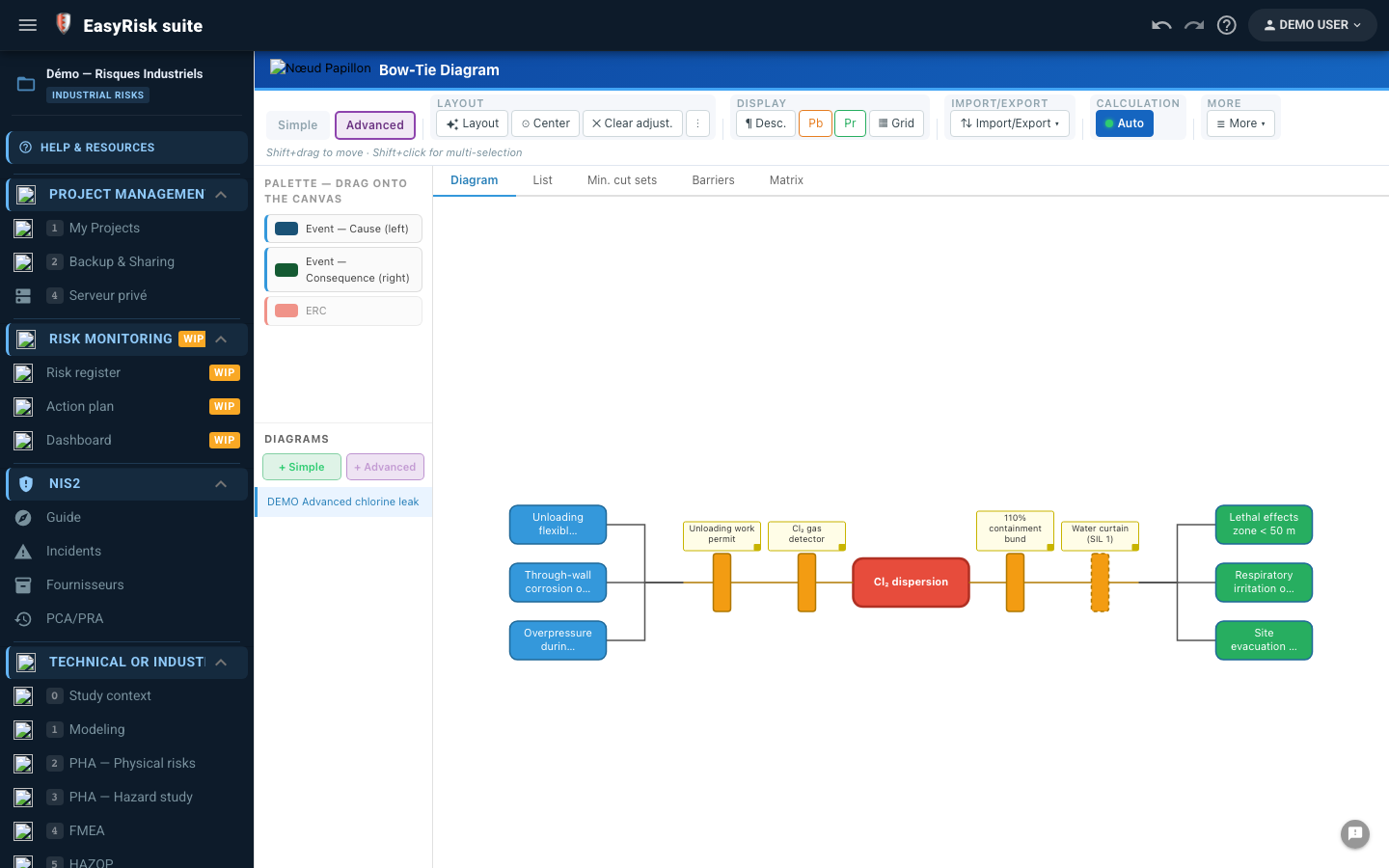 📷
Screenshot to be added
img/ri-bowtie-01.png
📷
Screenshot to be added
img/ri-bowtie-01.png
What you will do
- Create a diagram and select its mode at creation time. A diagram's mode cannot be changed later.
- In Simple mode, place causes and consequences around the central event and add barriers.
- In Advanced mode, import a hazard-study PHA scenario, add logic gates and probabilities, and enable automatic calculation.
Pitfall to avoid. The selected mode structures the entire diagram. If unsure, start with Simple mode, which is faster to explore.