Polyodos Platform · Shared Features

A complete platform
collaborative, secure, and multi-module

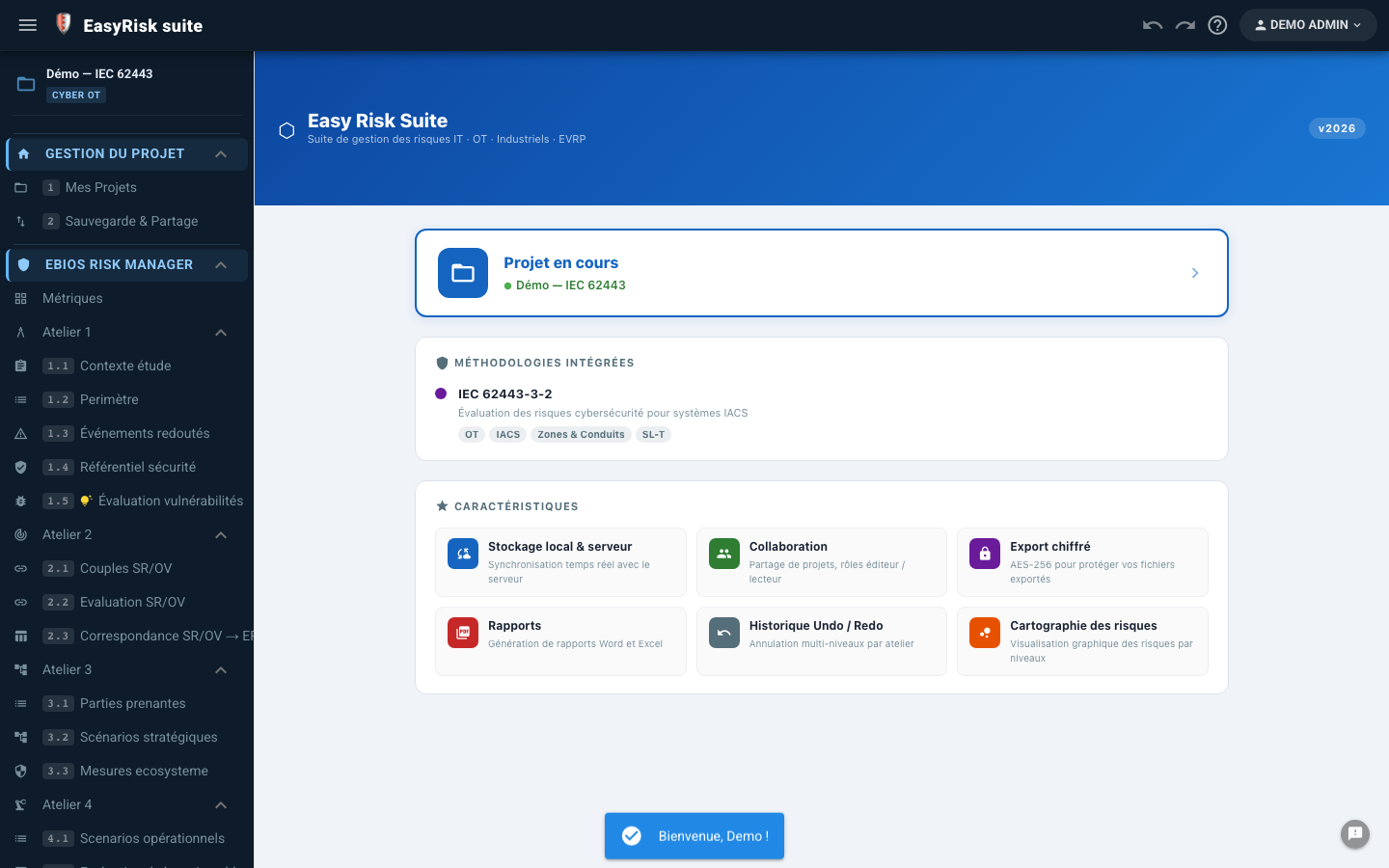
Beyond its analysis modules, Polyodos provides a complete infrastructure: project management, real-time collaboration, built-in training, group management, and shared libraries—for the entire organization.

Real-time multi-user sync Offline-first Dedicated brand Quiz & Formation Groups & libraries
4
Modules d'analyse
Live
Sync PouchDB
QCM
Built-in training
2 marques
Isolated, with no cross-linking
On-premise
Sovereign hosting

A complete infrastructure for the entire organization

Beyond its business analysis modules, Polyodos provides the shared building blocks that make the platform truly usable in a professional environment.

📁

Project management

Create, organize, and share multi-module analysis projects.

⚡

Real-time collaboration

Bidirectional PouchDB sync—several experts working simultaneously.

💾

Sauvegarde & restauration

Complete JSON export/import—no data lost.

📊

Pilotage multi-projets

Overall view of ongoing actions across all projects.

🎓

Quiz & Formation

Interactive player, trainer mode, and individual progress tracking.

👥

Groupes & partage

Shared libraries, invitations, and group quotas.

🏛️

Administration

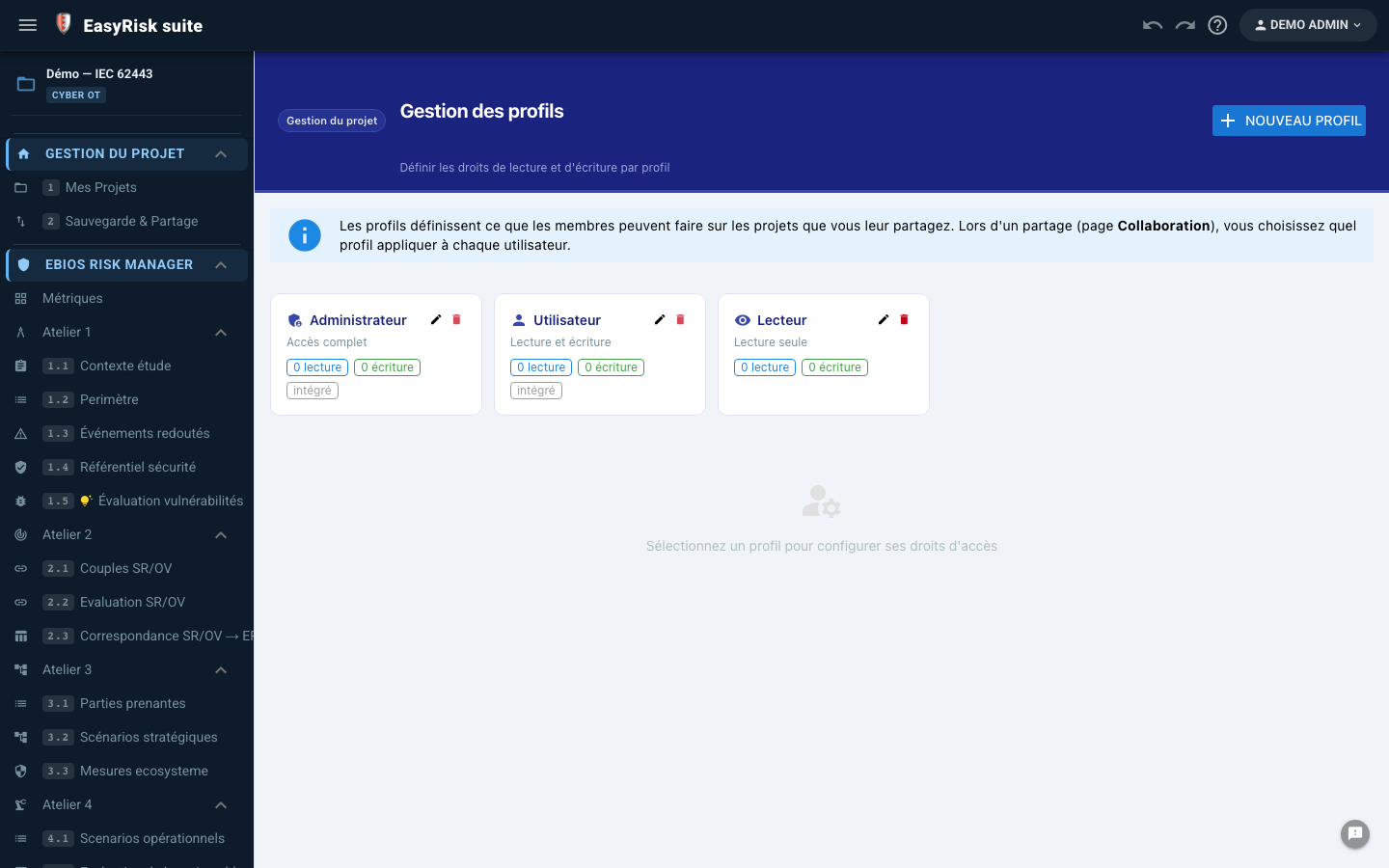
User management, activation, roles, and authorized modules.

🔒

Security

JWT, TLS, automatic backups, and optional on-premises hosting.


Your analysis projects, organized and shared

A project contains all the data for a study—regardless of the module. Create, duplicate, share, and archive in just a few clicks.

📁

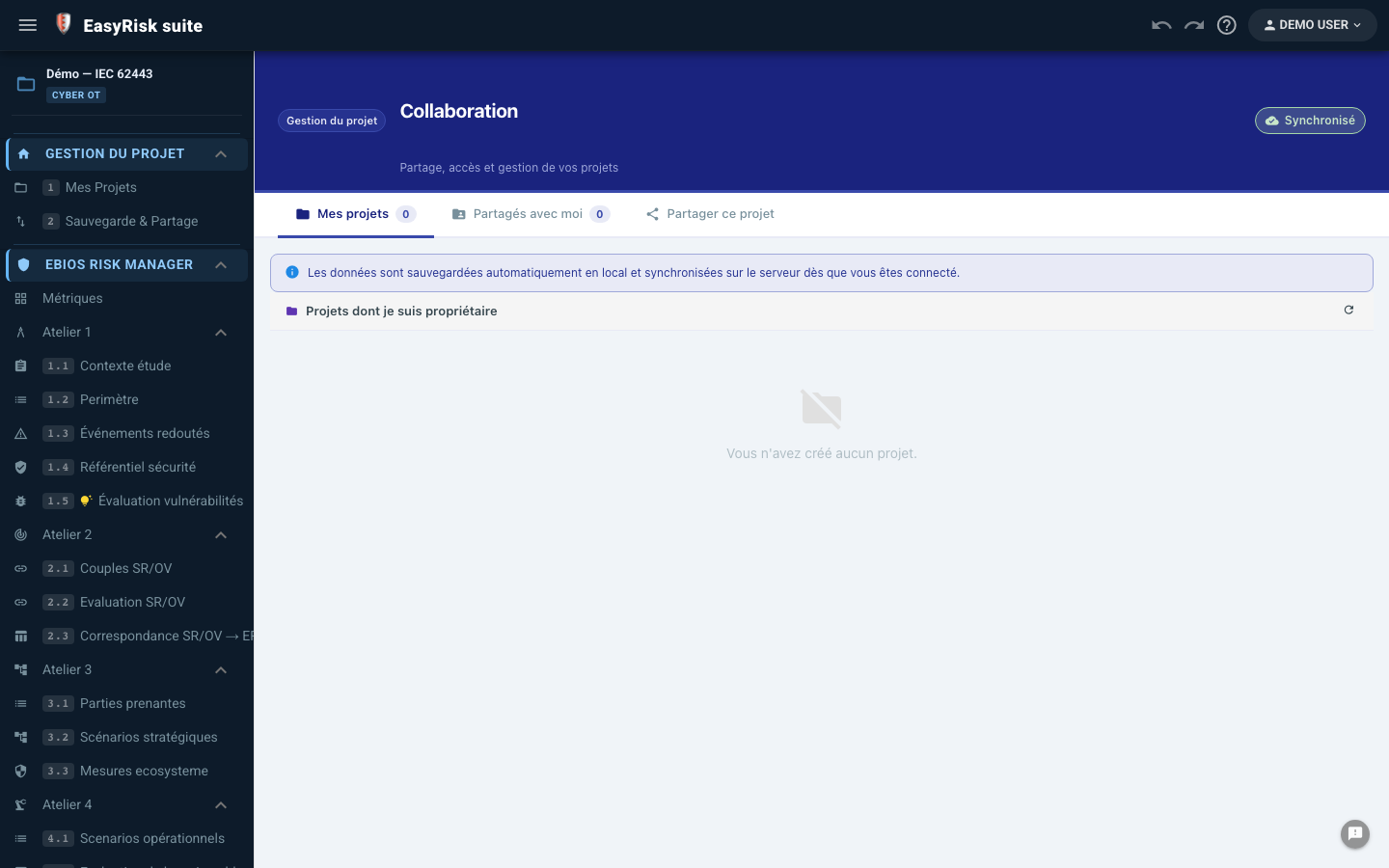
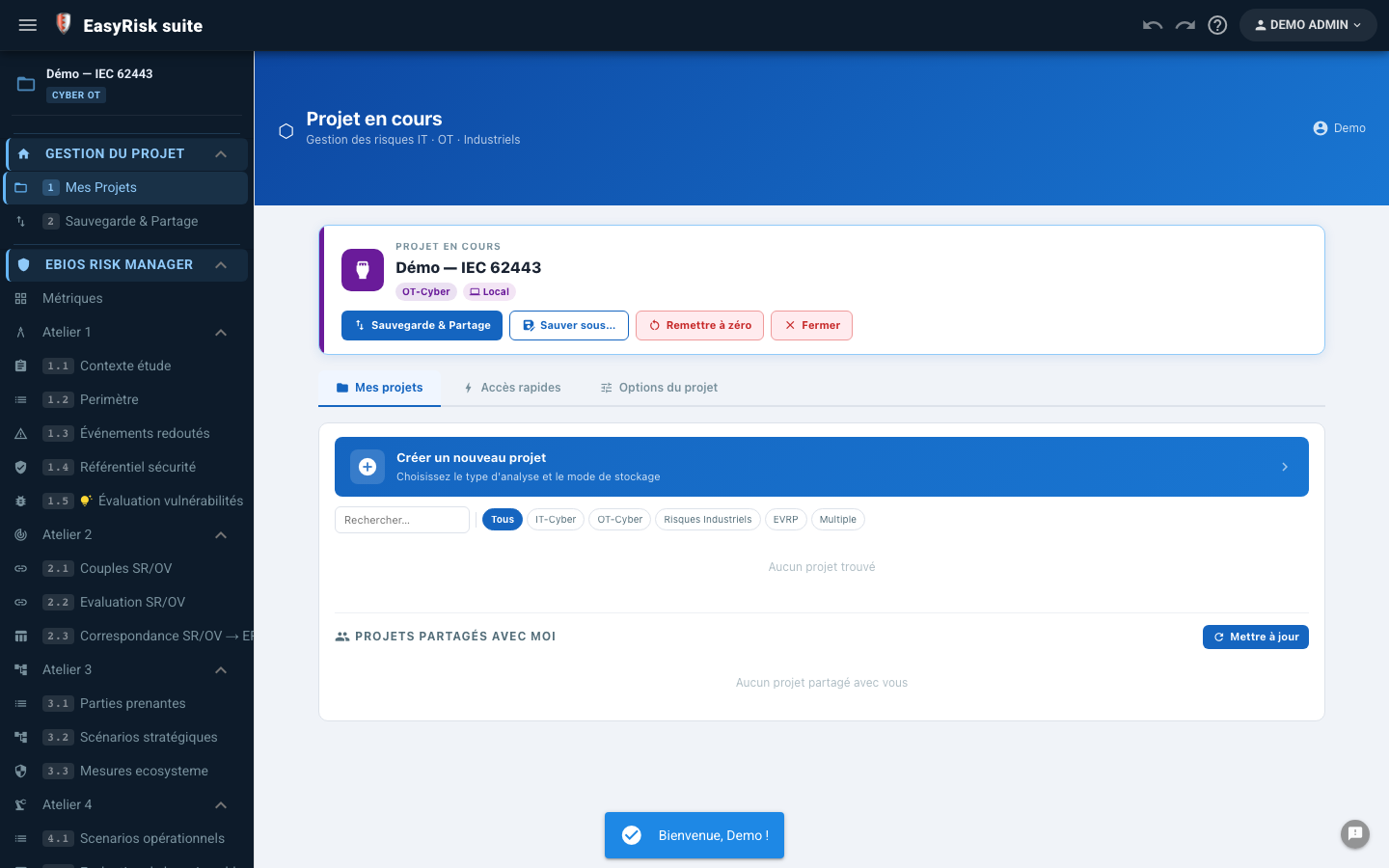
Mes projets

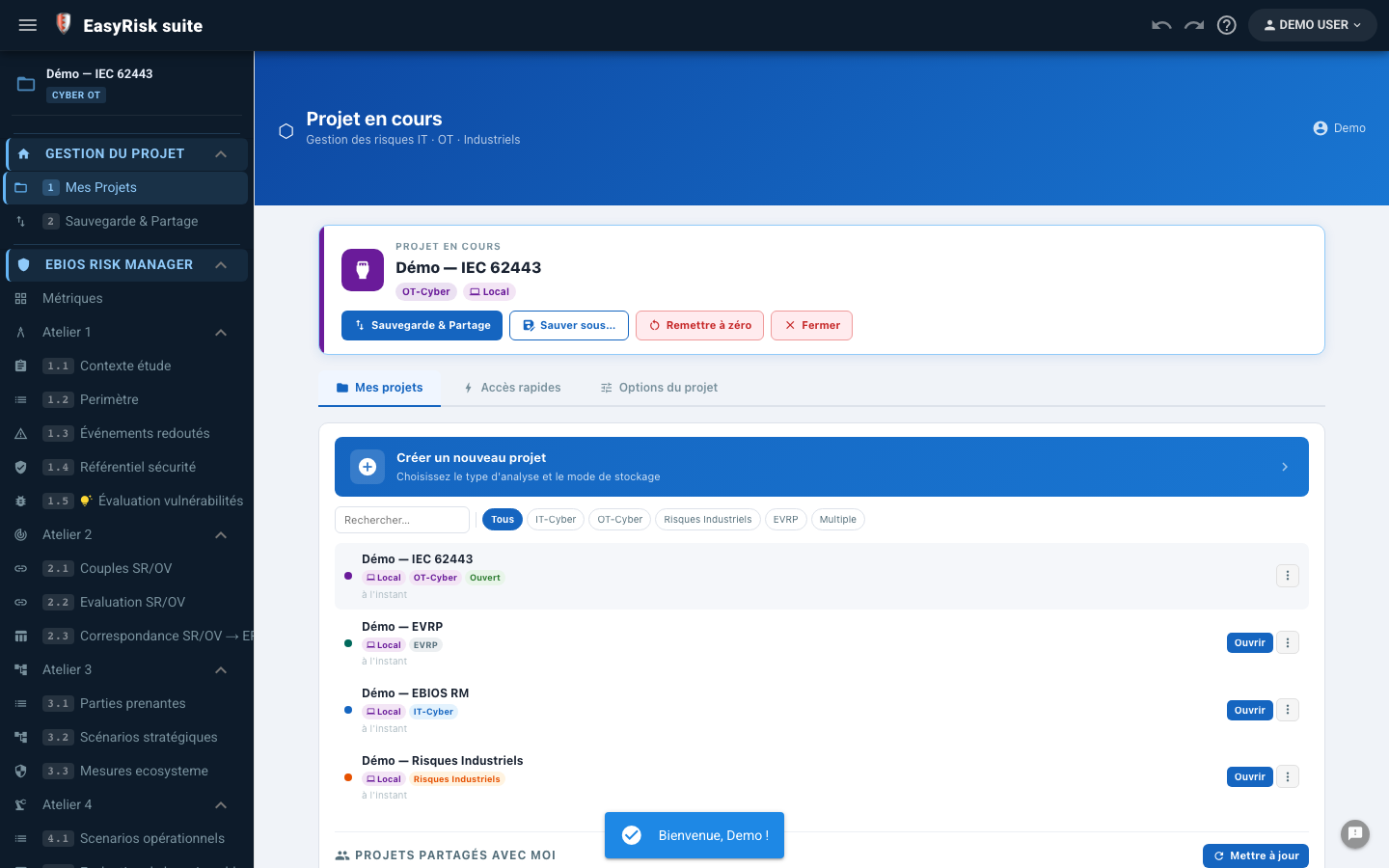
Central dashboard for all your analysis projects—with quick access, filters, and synchronization indicators.

  • Complete list of your projects Module type, creation date, and last modification—an instant summary view.
  • One-click creation Name, type (IR, EBIOS, IEC 62443), and description—your project is ready in seconds.
  • Project duplication Use an existing study as a template—with all data copied.
  • Search and filters By module type, status, or date—find any project instantly.
  • Synchronization indicator ✓ Synced / ⚡ Syncing / ✗ Offline—real-time PouchDB sync status.
  • Quick access to recent projects Most recently opened projects appear first—resume work without navigating.
Multi-modules Duplication Filtres
My Projects—dashboard, project list, sync indicators, quick access
💾

Sauvegarde & restauration

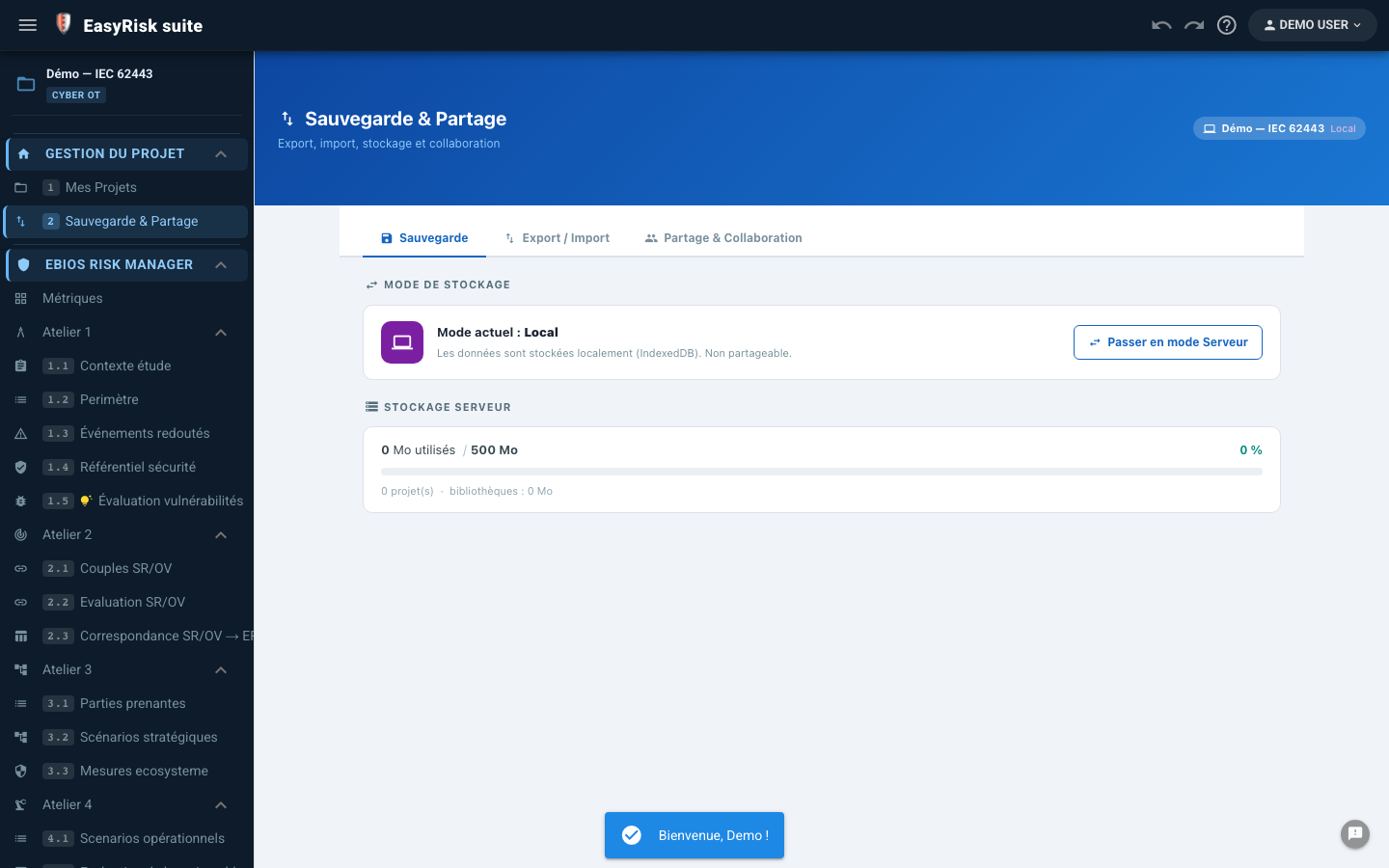
Complete JSON export of any project—one-click restore. Automatic server-side backups included.

  • Export JSON complet All data and all stores—one file for the entire project.
  • Import JSON Complete one-click restore—from any machine.
  • Export history Timestamped backup list—retrieve any version.
  • Automatic server-side backups Duplicati → OVH S3—protection against data loss with no manual action.
  • Direct download From the browser interface—with no server access or special IT permissions.
Backup JSON Restauration Duplicati OVH S3
Sauvegarde et restauration — export JSON, historique, sauvegardes automatiques
📊

Pilotage multi-projets

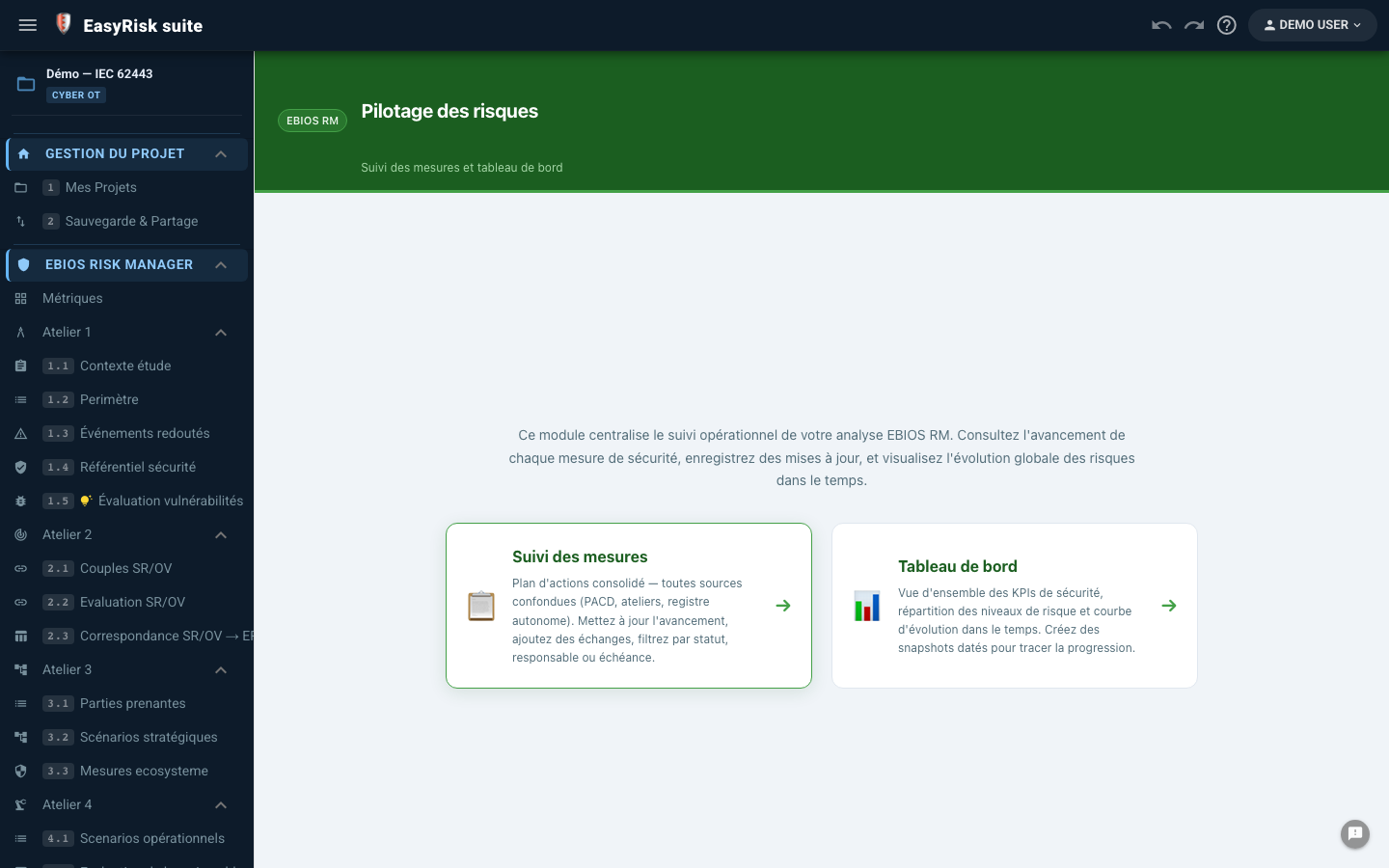
Overall view of ongoing actions across all the user's projects—without opening projects one by one.

  • Overall action view All ongoing actions across all projects—aggregated in one view.
  • Advanced filters By module, action status, owner, and deadline—for immediate prioritization.
  • Overdue indicators Number of overdue actions and actions completed this month—operational dashboard.
  • Direct access from the management view Click an action → open the relevant project page—with no intermediate navigation.
Actions globales Multi-projets Retards
Pilotage multi-projets — vue globale actions, filtres, indicateurs retard

Several experts, one project—in real time

Bidirectional PouchDB synchronization ensures that every change is instantly visible to all connected collaborators.

⚡

Collaboration PouchDB live

Offline-first · Owner / Editor / Reader · Undo/Redo

  • Real-time sync Live PouchDB sync: every change appears for all collaborators within seconds.
  • Offline-first The application works offline. Sync resumes automatically when the connection returns—no data is lost.
  • Invite collaborators The owner sends email invitations: editor (read + write) or reader (read-only).
  • Presence indicator Animated "● Sync" badge when collaborators are connected to the same project.
  • Change history Undo/Redo by user—complete change traceability.
  • PouchDB access control Each project database is protected server-side: only authorized members can connect.
Live sync Offline-first Owner / Editor / Reader Undo/Redo
Real-time collaboration—PouchDB sync, presence indicator, collaborator roles

Assess and strengthen risk culture

Built-in regulatory quizzes for all modules—with no external tool. Trainer mode for classroom sessions.

1
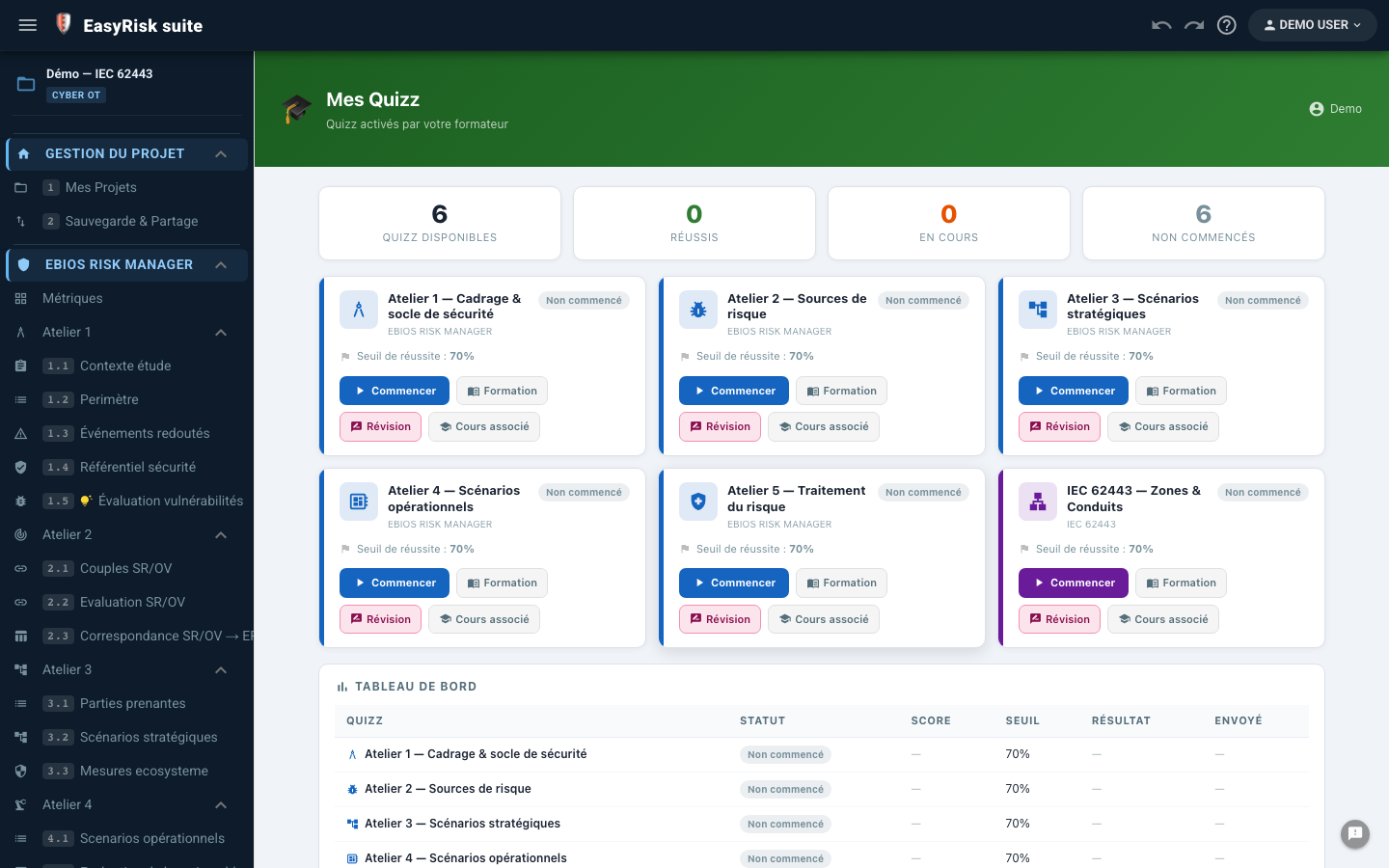
Quiz library Questions by module (IR, EBIOS, IEC 62443) and level (beginner / intermediate / expert).
2
Player interactif Multiple-choice and open questions—immediate feedback with a regulatory explanation.
3
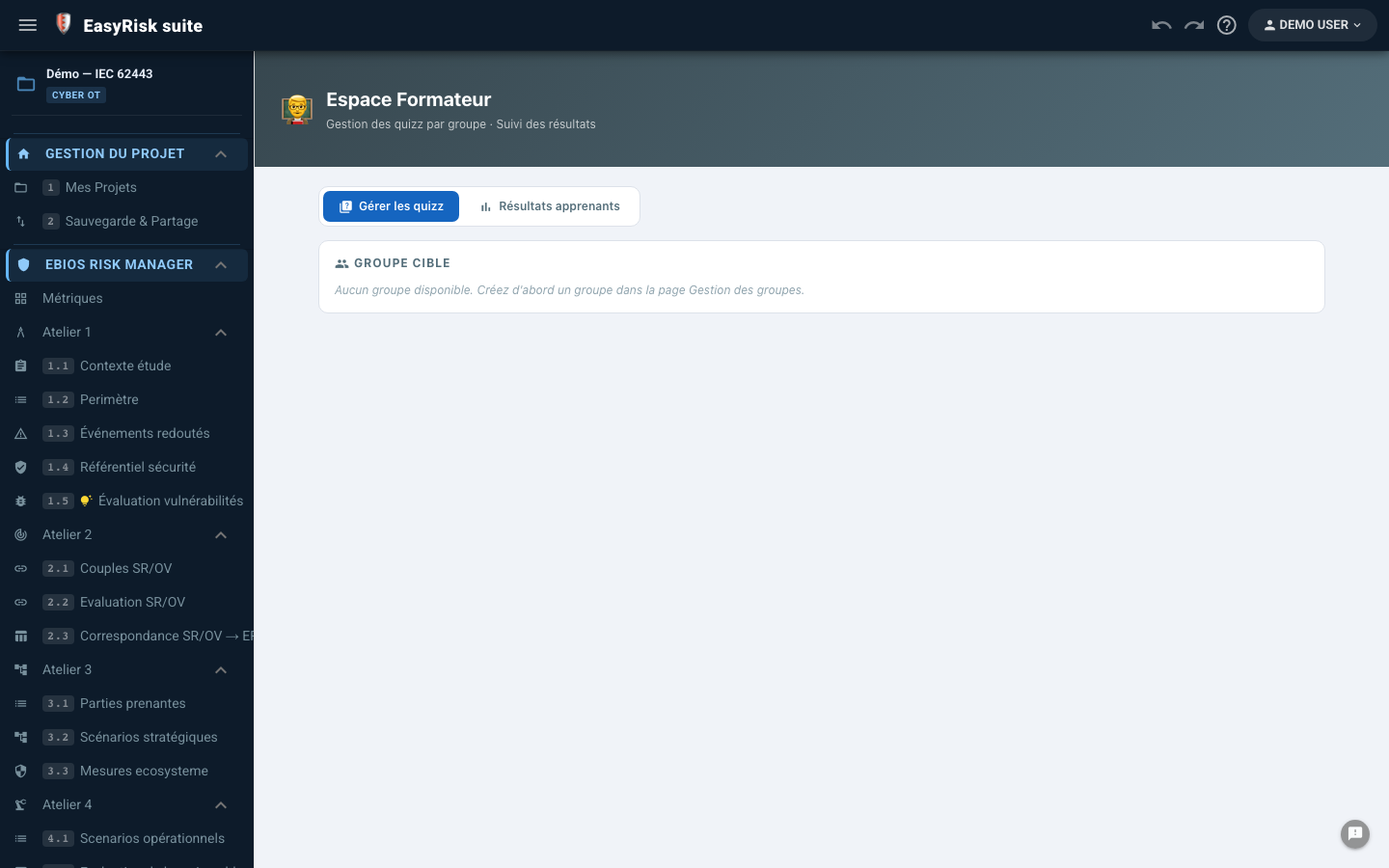
Mode formateur Display questions in the room, control the pace, and show answers after discussion.
4
Progress tracking Score by session, history by user, and gap identification.
5
Bloquage par route Access to analyses requires a minimum training score (optional).
QCM + questions ouvertes Mode formateur Suivi individuel Multi-modules
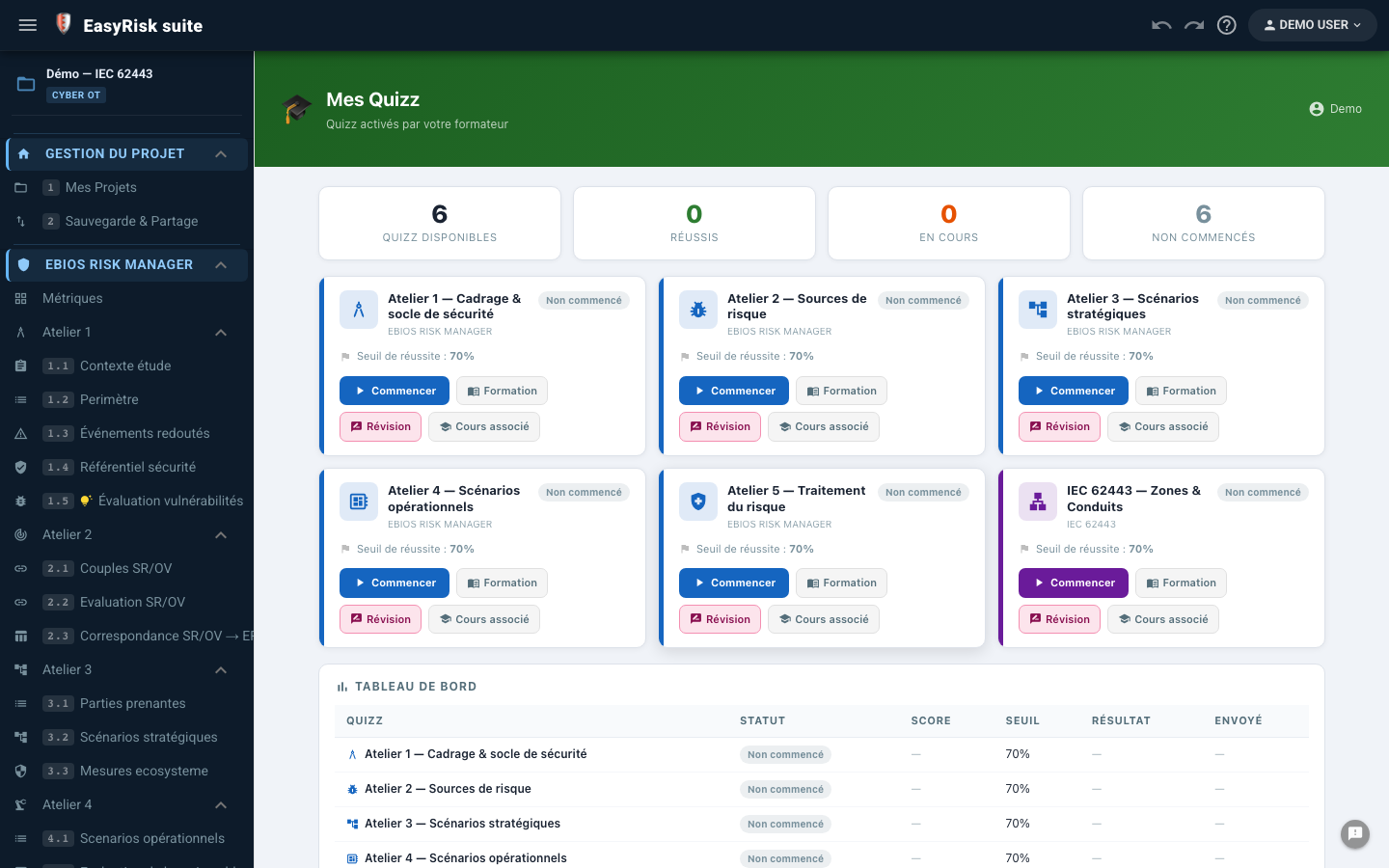
List of available quizzes—library by module and level
List of available quizzes
Interactive player—EBIOS multiple-choice questions, immediate feedback, regulatory explanation
Player interactif
Trainer mode—classroom display, pace control, answer display
Mode formateur
Admin library—question management, quiz creation, levels
Admin library

Share resources across your organization

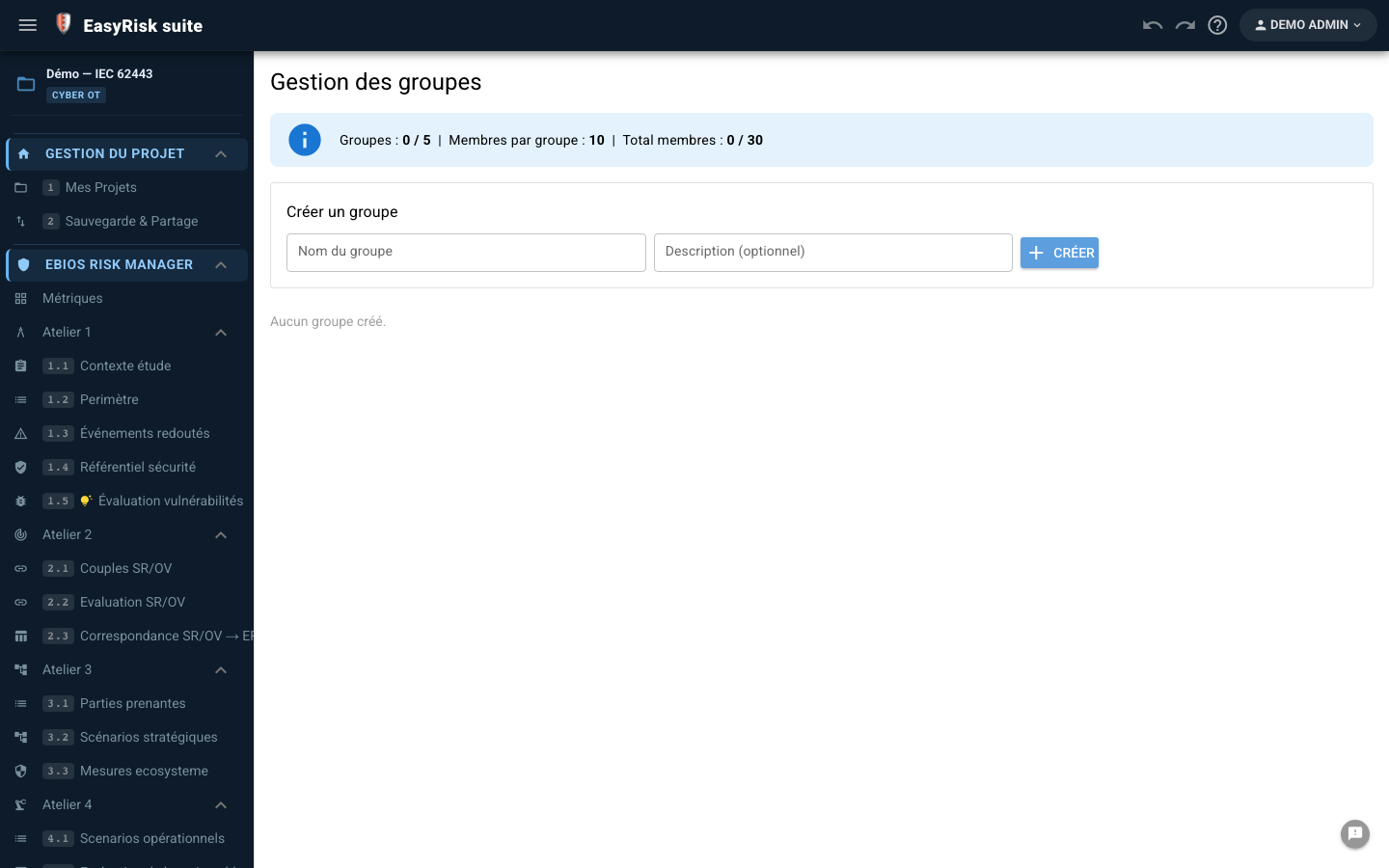
Groups make it possible to share scenario libraries, report templates, and business reference data across all projects in an organization.

👥

Group management

  • Create and administer groups (consultancy, department, organization)
  • Invite members with roles (group admin / member)
  • Storage quotas by group
  • Quiz-status tracking by group
Groupes Invitation Quotas
Group management—creation, member invitations, quotas, quiz status
🏛️

Shared libraries

  • Standard scenario libraries (IR, EBIOS, IEC) shared at group level
  • Import from group libraries into any project
  • Library versioning—updates propagated to all members
  • Separate personal and group libraries
Group libraries Import Versionning
Shared libraries—standard scenarios, group import, versioning
📊

Group management dashboard

  • Aggregated view of group projects
  • Training status by member (completed quizzes and scores)
  • Share report templates among group members
Pilotage Formation groupe Templates

Complete user and platform management

The administration interface manages accounts, access, modules, and trial periods without technical intervention.

👤

User management

Complete view of all accounts—activation, modules, durations, demo accounts, and academic accounts.

  • User list Email, role, authorized modules, and status (active / demo / academic / expired).
  • Activation / deactivation Instant control of platform access.
  • Module assignment Par utilisateur : RI, EBIOS, IEC 62443 — activation granulaire.
  • Trial accounts Configurable duration (seven days by default)—time-limited access for prospects.
  • Academic accounts 12 months—for universities and training organizations.
  • Emails automatiques Expiration reminders sent automatically before the account end date.
Administration—user list, statuses, authorized modules, trial accounts
⚙️

Advanced management & feedback

Invitations, resets, activity history, and user feedback.

  • Invitations en attente List of sent invitations not yet accepted—with the option to resend.
  • Password reset By the administrator, with no user intervention.
  • Login history Activity by user—detection of inactive accounts.
  • Feedbacks utilisateurs In-app feedback available in the admin interface—a centralized view.
  • Export liste utilisateurs CSV/JSON export of the complete list for reporting or auditing.
Advanced administration—invitations, resets, feedback, user export
Admin Trial accounts Modules Academic

Platform technical architecture

A modern, sovereign, extensible stack—from the browser to the VPS, including real-time synchronization.

🚀

Architecture technique

Frontend
  • Vue 3 + Composition API
  • Quasar 2 (PWA/SPA)
  • Pinia (persistent state)
  • Vite (build)
Database
  • PouchDB (client offline)
  • PouchDB-Server (Node.js)
  • Sync bidirectionnel live
  • 1 base par projet
Polyodos Server
  • Node.js + Express
  • JWT + secure cookies
  • Docker + Nginx Proxy
  • Monitoring Uptime Kuma
Exports
  • Word (DOCX—client-side)
  • Excel (ExcelJS)
  • Native SVG (no dependency)
  • PDF via impression navigateur

FR